
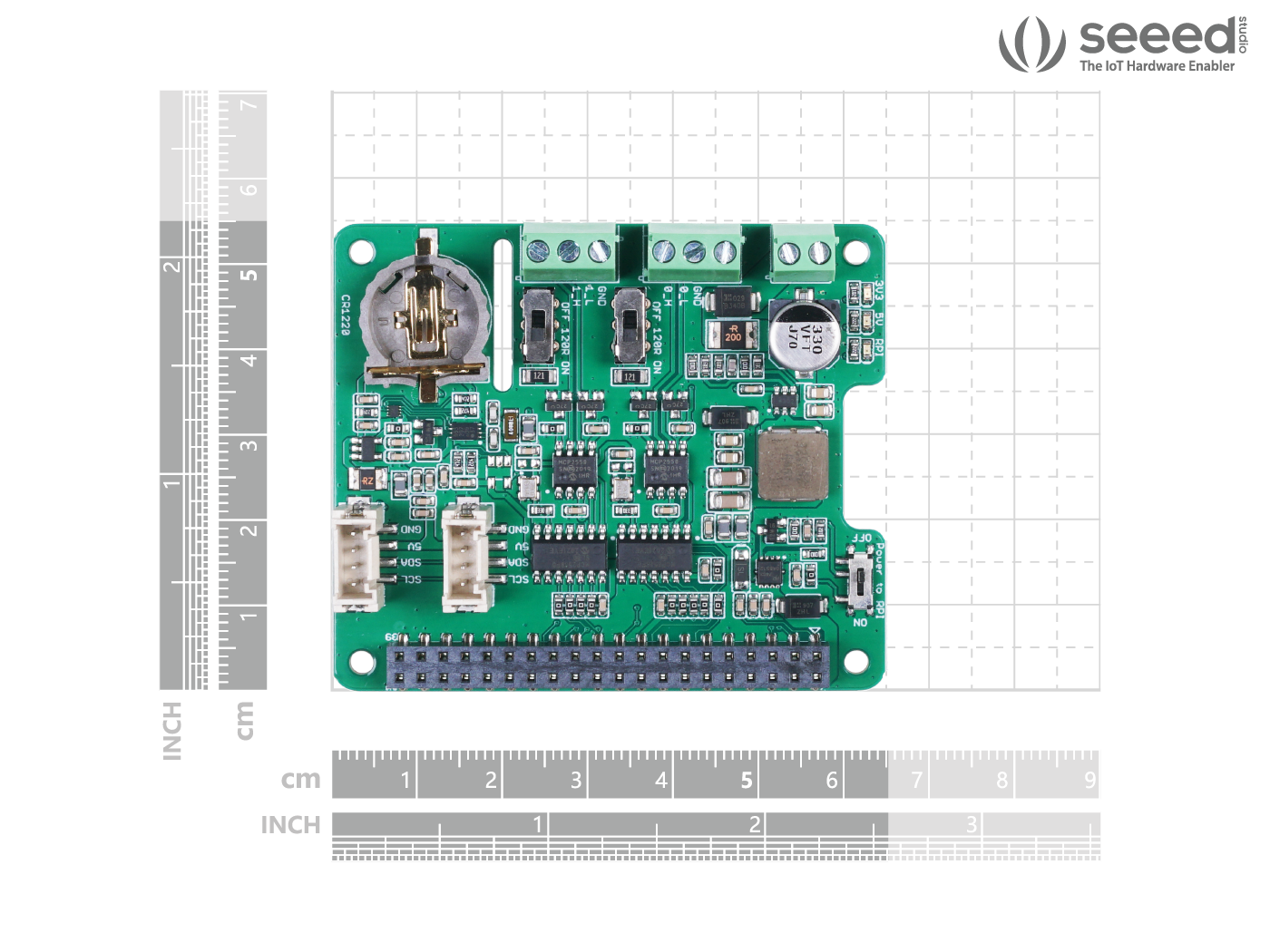
Description
Versions Declare
There are 3 versions of the CAN-BUS shield for Raspberry Pi. All 3 versions work perfectly on Raspberry Pi platform and may skip this section if you’re using RPi platform.
The CAN-BUS shield now also supports the NVIDIA Jetson Nano platform, and different versions of the CAN-BUS Shield do affect the functionality, please check the table below carefully if you’re using with Jetson Nano Platform.
|
Product Name |
Chip |
RPi State |
Jetson Nano State |
|
MCP2517FD |
Two channels |
Single Channel(can0) |
|
|
MCP2518FD |
Two channels |
Single Channel(can0) |
As you can see, there are two versions of chips used in the 2-Channel CAN-BUS(FD) Shield for RPi (MCP2517FD) and both channels work on RPi but only single channel (CAN0) works on the Jetson Nano Platform!

Note
MCP2518FD chip has the characteristics of MCP2517FD, both are compatible.
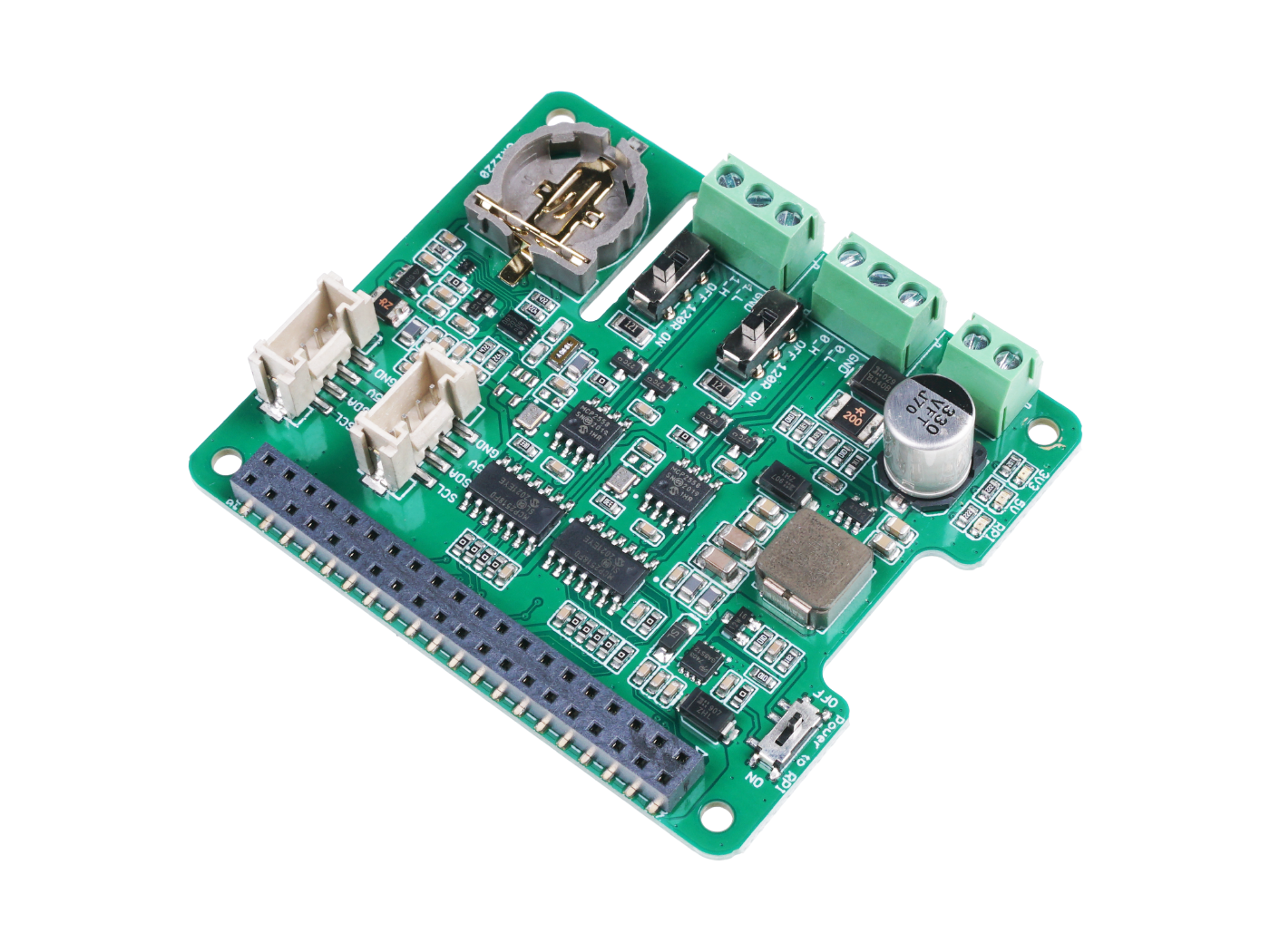
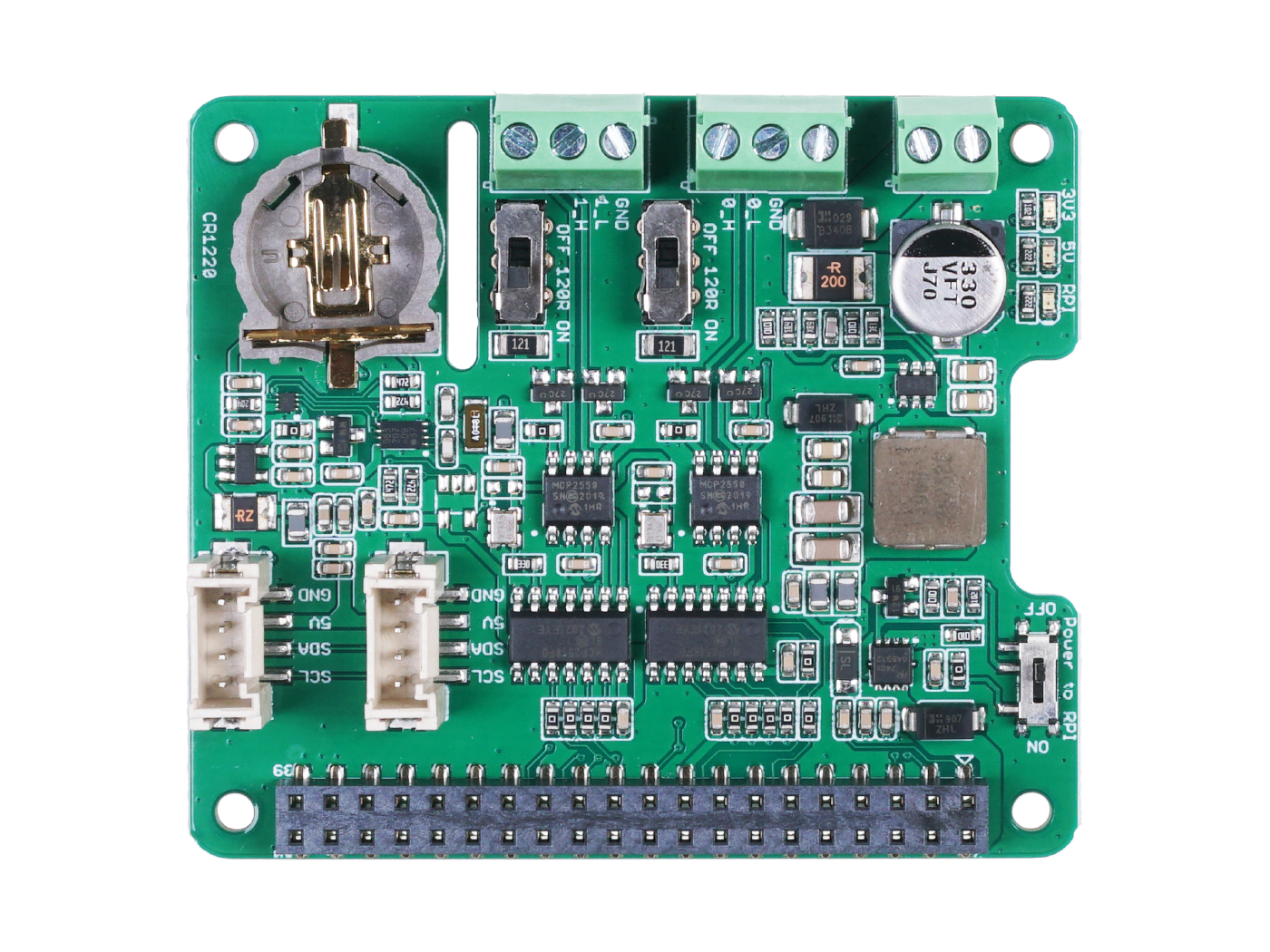
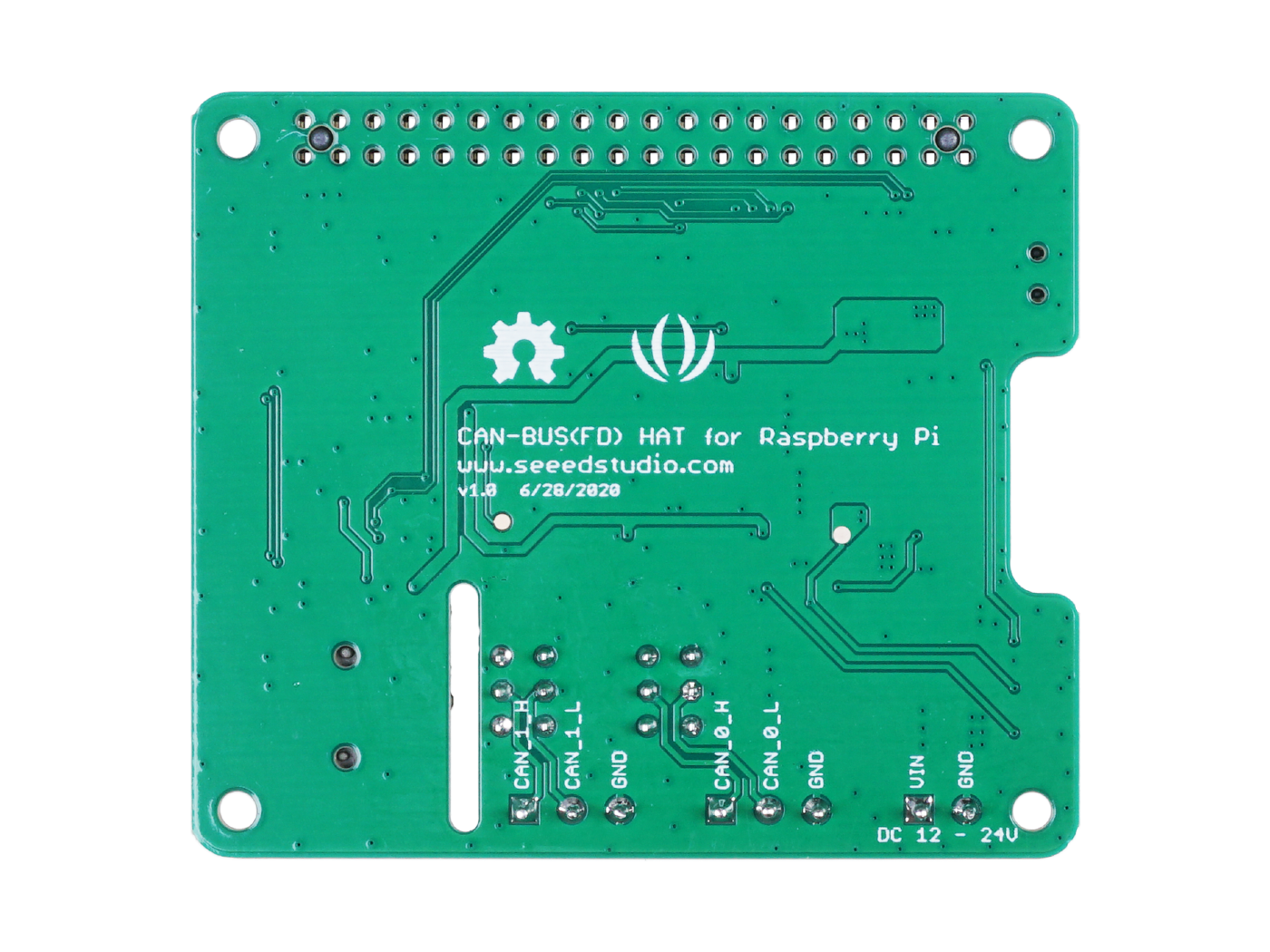
You can power this shield via your Raspberry Pi’s 40 pin header, or you can use the 12 – 24V DC screw terminal to supply the power for the whole system. To ensure the stability of communication, we’ve used high-quality Panasonic capacitors and TI power chips, along with quality circuit design, to build a stable power management system, which provides stable 3.3V and 5V power supply for all parts of the system.

Attention
This product only supports Raspberry Pi images with kernel version 6.6.42 or lower. Please check your system’s kernel version before use to ensure compatibility.
Features
- Support CAN FD
- Support Jetson Nano
- High-speed transfer rate: 8Mbps@10m 20AWG shielded cable / 1Mbps@40m 20AWG shielded cable
- Stable power supply, selectable Raspberry Pi power supply or DC power supply
- One-button configuration of 120Ω terminating resistor
- Compatible with Raspberry Pi 2, Raspberry Pi 3, Raspberry Pi Zero, Raspberry Pi 4 (with the latest image),Raspberry Pi 5
Hardware Overview

Mounting Guide

Attention
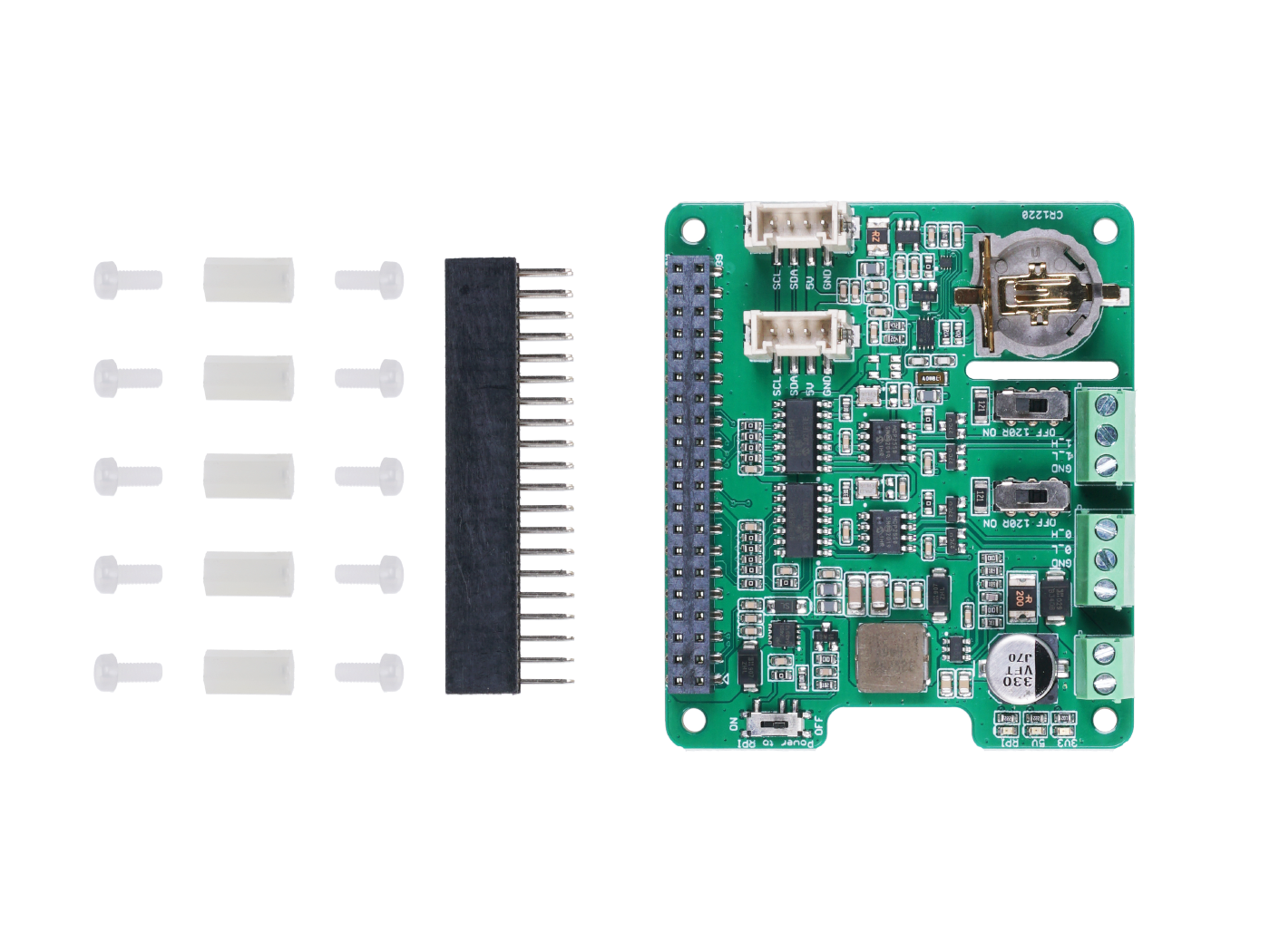
You can see that we used nylon columns during assembly to avoid short-circuiting between the metal terminals under the CAN BUS port and the HDMI interface on the Raspberry Pi. So please be sure to assemble the nylon column as shown.
Reviews
There are no reviews yet.