
Description
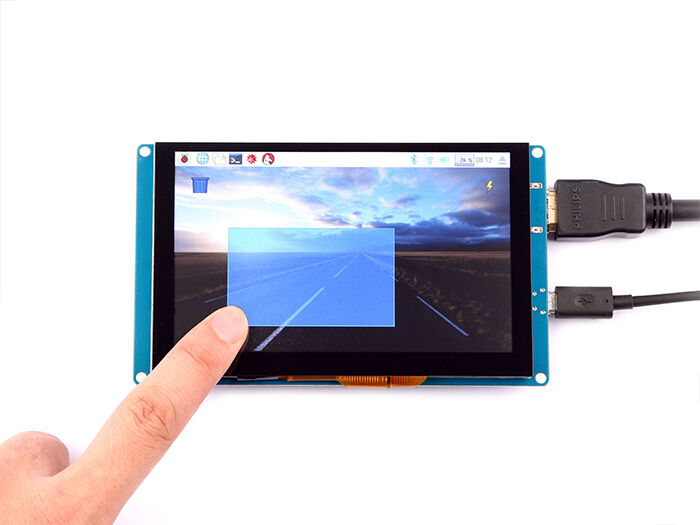
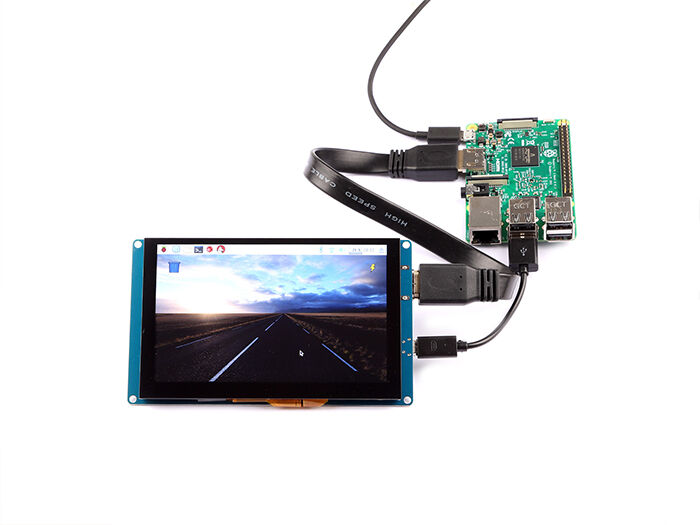
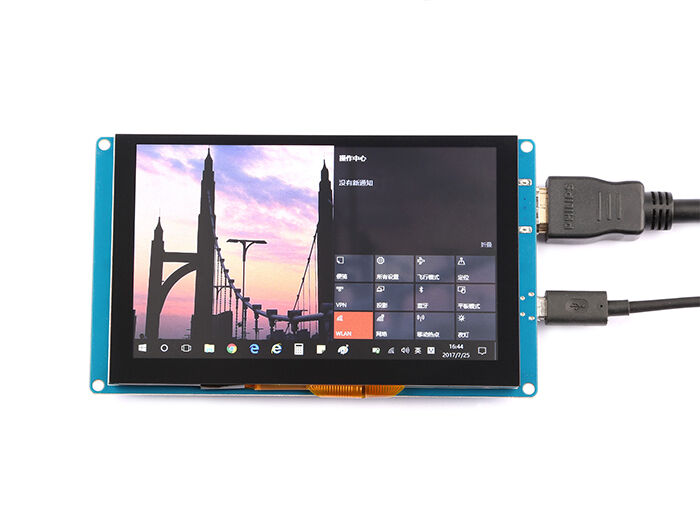
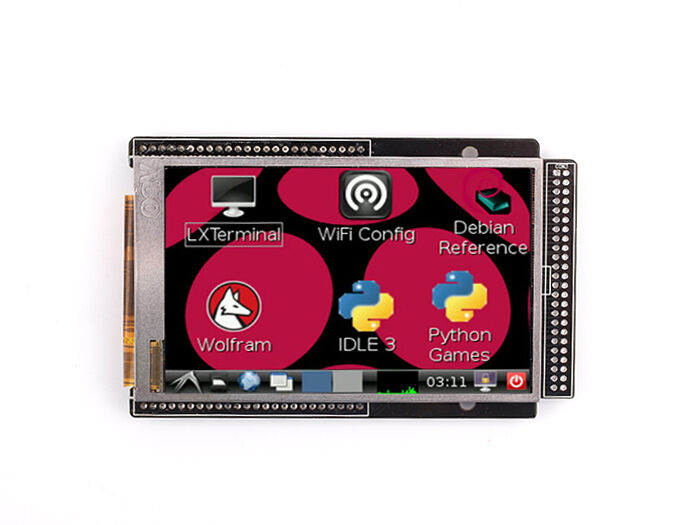
This is our brand new product, it is a fantastic HDMI monitor with capacitive touch screen and driver free. It’s been tested on Raspberry Pi, beagle bone black, windows 10 and Mac book pro. And it works well on those platform and it really plug and play, all you need to do is to adjust the resolution(on RaspberryPi).
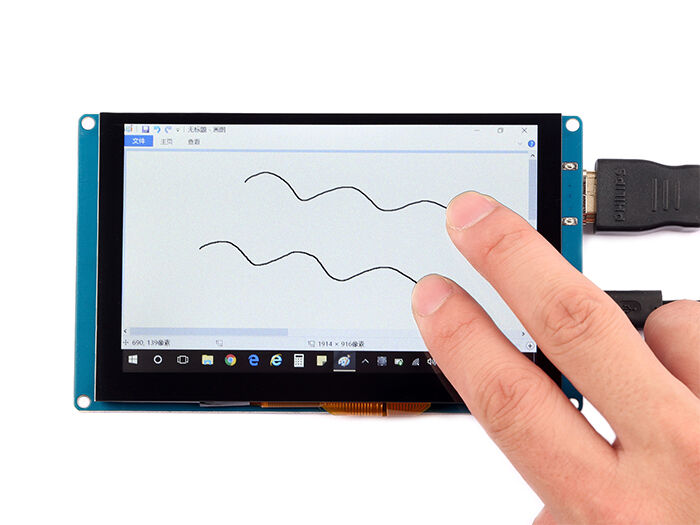
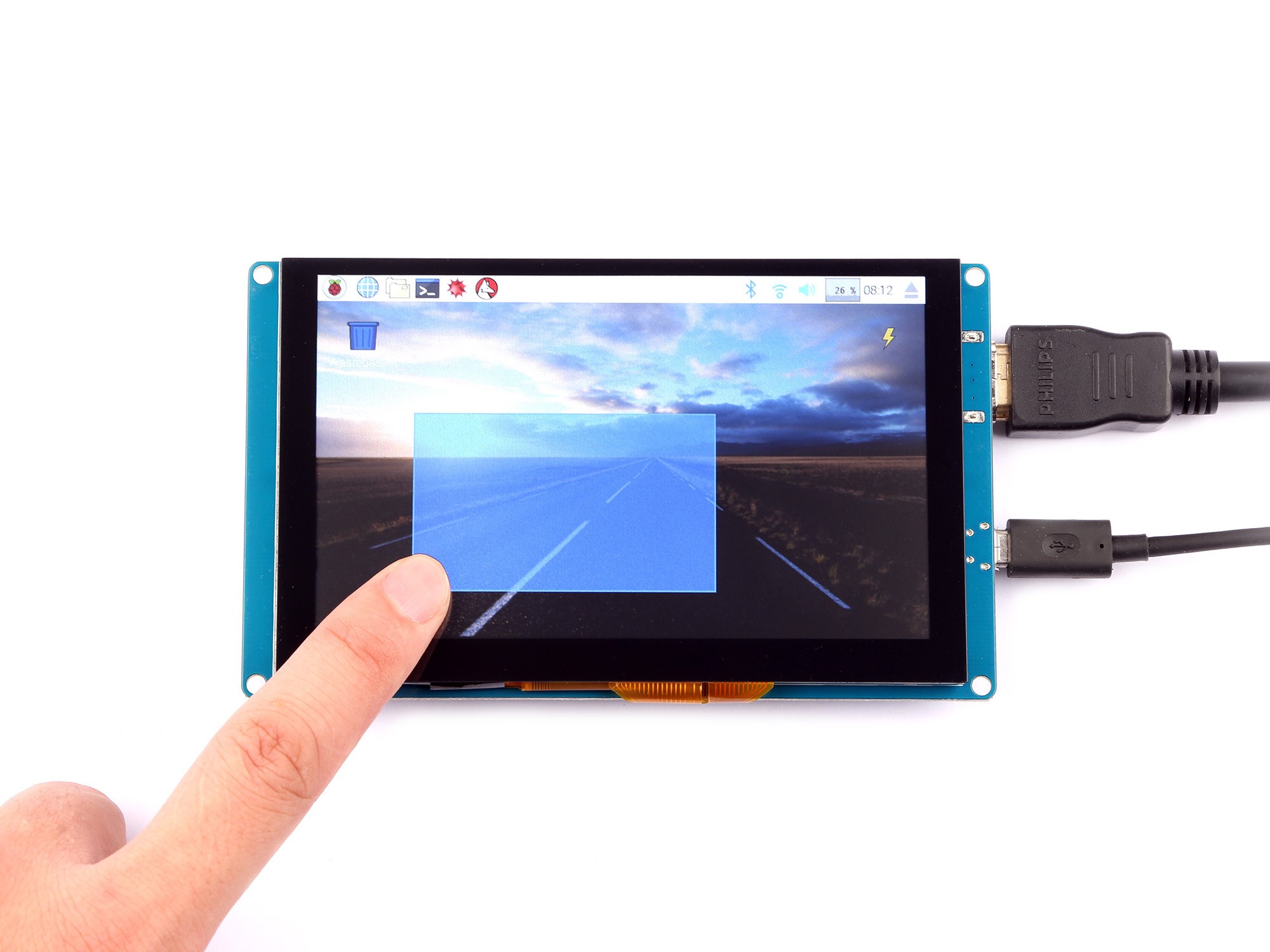
It supports 800×480 resolution and you may find that the pictures are more bright when you are using this display. The capacitive touch function give the user full control over any device. It’s driver free for your device due to built-in EDID device information, it is very easy to let the equipment correctly identified the touch screen. And the Capacitive USB touch screen can support functions of the right mouse button and drag and drop, and also support multipoint touch, maximum 10 points.(only test in windows 10)
For use with a Raspberry Pi we suggest editing config.txt to set the HDMI to the native 800×480 in case it doesn’t detect the resolution properly.
The easiest way to edit the config.txt is to put the Pi TF card into an every day computer and edit config.txt with any text editor and save.
Features
• Resolution up to 800 x 480
• USB Capacitive touch control
• Free-driver, Plug and Play
• Supports Raspbian, Ubuntu Mate, NOOBS with RaspberryPi
• Supports Debian, Angstrom with BeagleBone
• Supports Windows / Ubuntu / Mac with PC
• Supports Intel-Processor Base MiniPC
• ULP (Ultra Low Power) consumption backlight
FAQ
If you can not see anything when it attached to your device, please make sure that the HDMI wire is work properly and your device’s resolution is changed to 800×480, If you see this picture, means that you need to change the resolution to 800×480 on your output device.
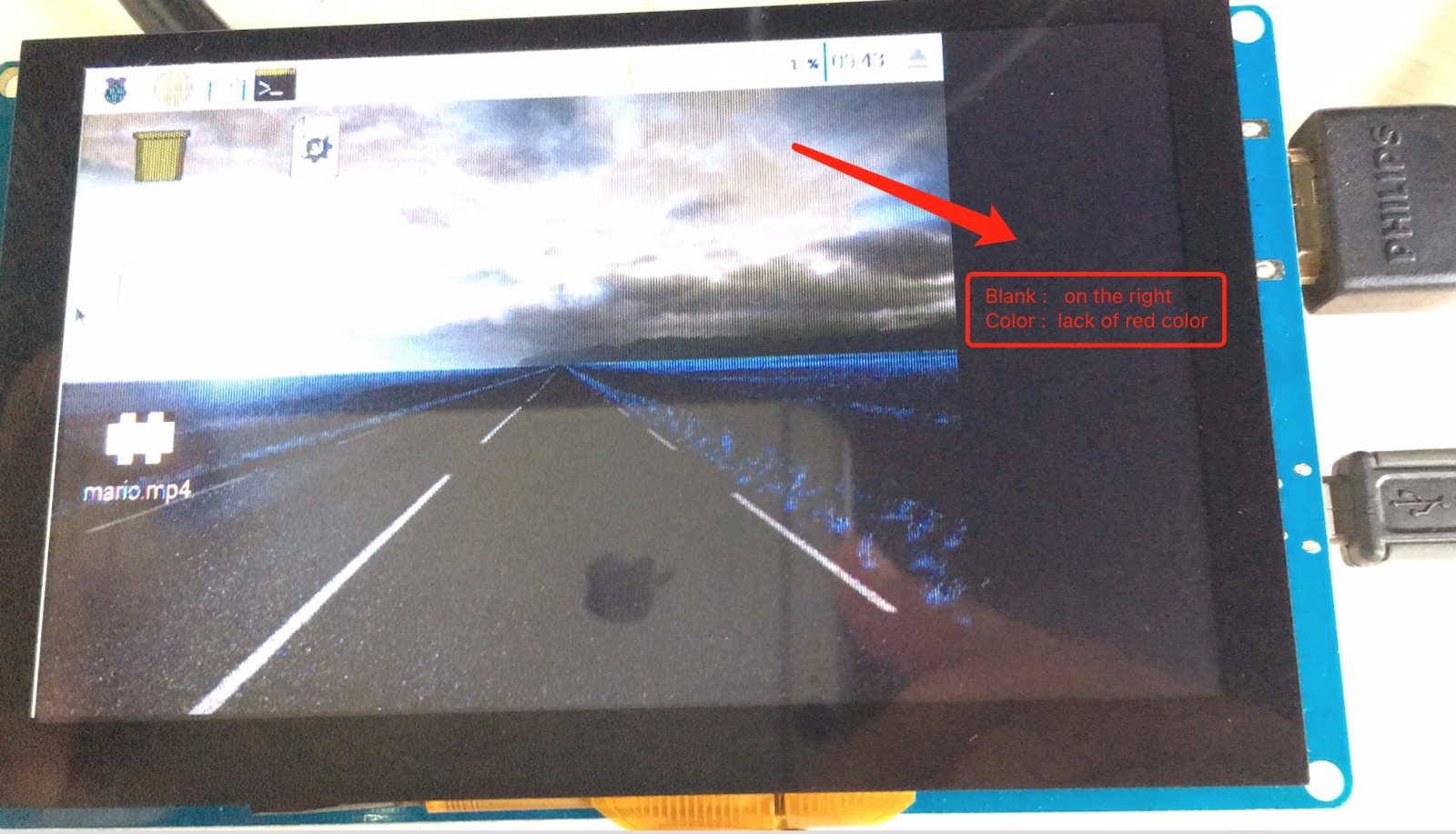
If you are using Raspberry Pi, you can change resolution by this steps:
Login to your Raspberry Pi and edit /boot/config.txt file, make sure it has following parameter:
framebuffer_width=800
framebuffer_height=480
hdmi_force_hotplug=1
hdmi_group=2
hdmi_mode=87
hdmi_cvt 800 480 60 6 0 0 0
Save it and reboot your system.
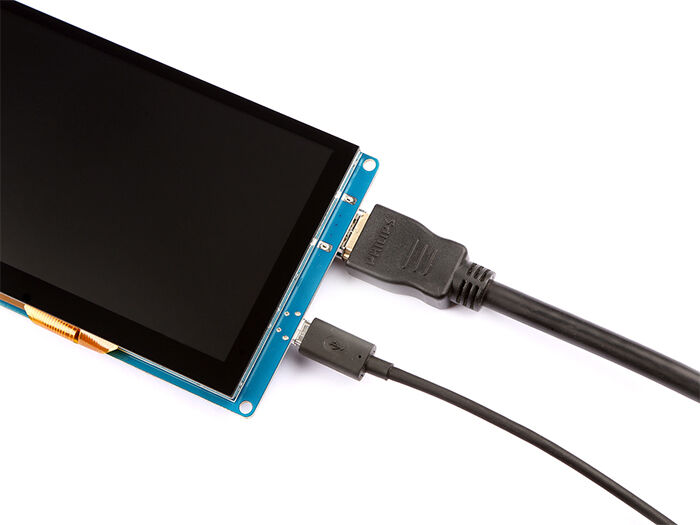
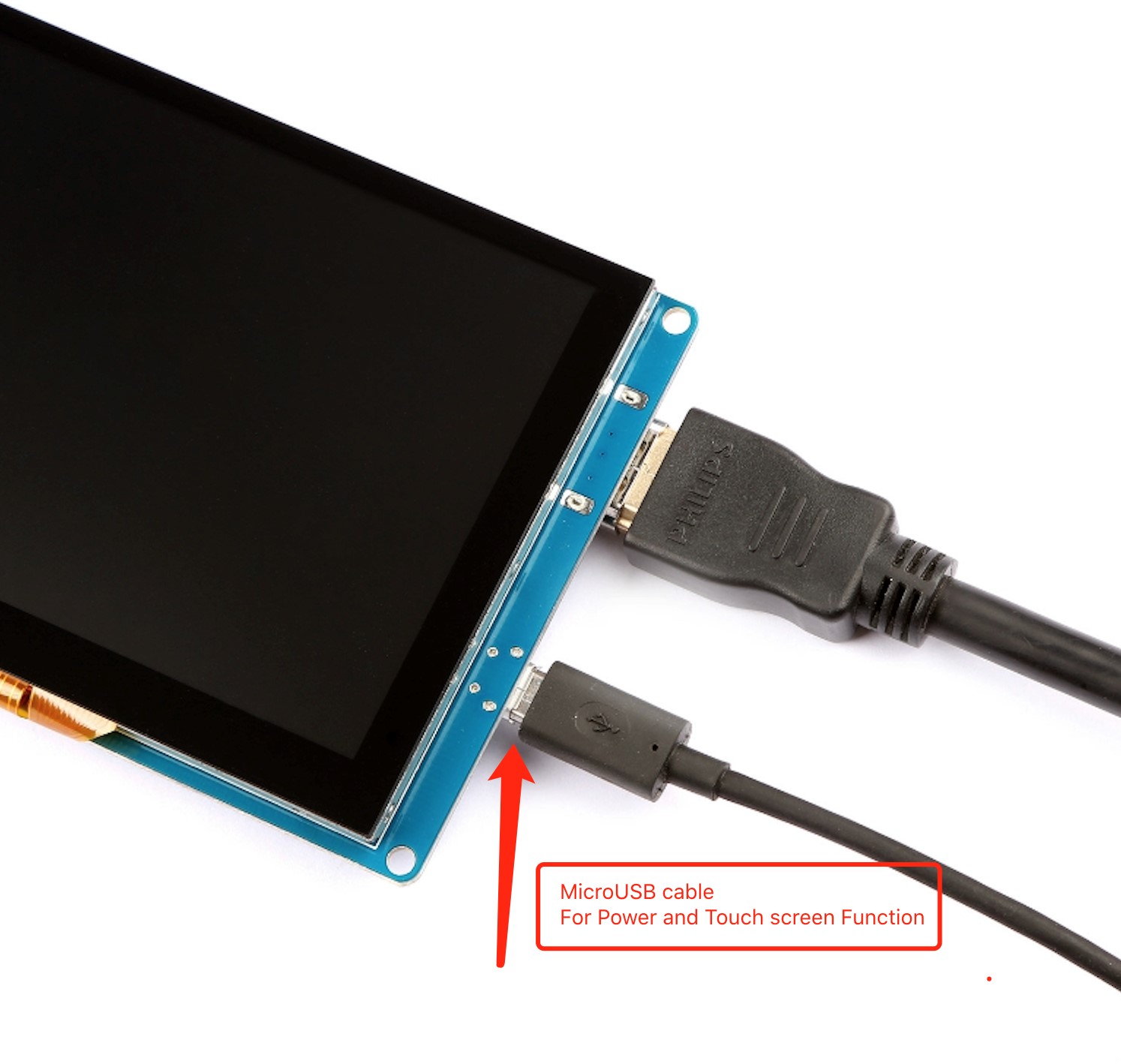
If touch screen is out of work please make sure you connect the Display’s MicroUSB to your device (PC, Raspberry Pi, Beagle bone black etc.)
We are not sure it can work at android system due to it dose not test in android OS yet.
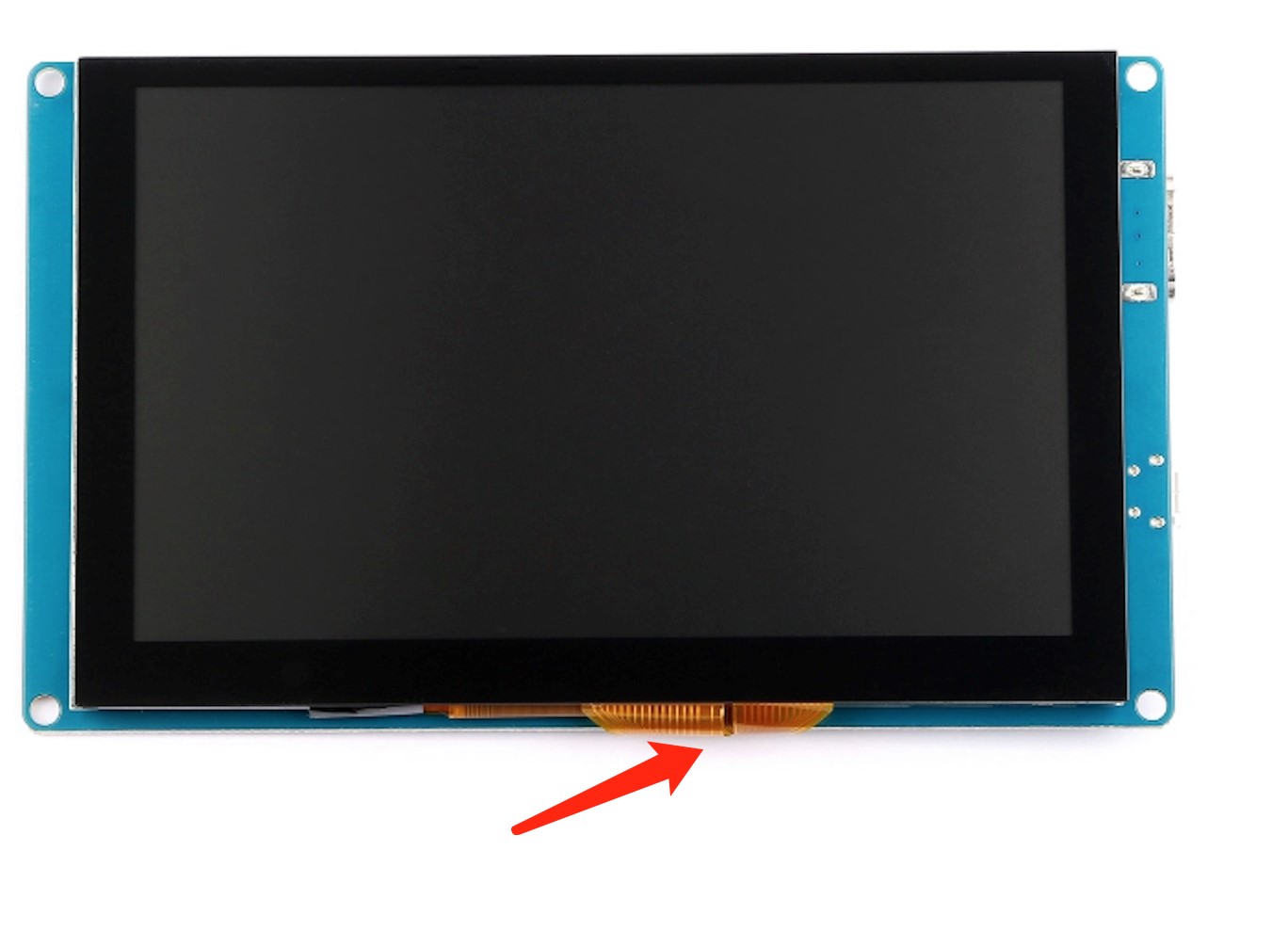
If you find that the screen is blur when you connect it to your device, please check the FPC cable on the back of driver board, it may loose when it was shipping to you. Just pull out the block of the FPC cable and put the FPC wire into it and make sure it fasten tightly and retry it again. Please take care of this cabin cable, it’s connect to the board and send the touch screen data to the chip on the board.
Applications
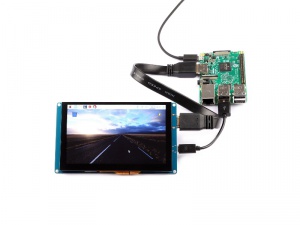
If you are willing to know more information about Raspberry Pi display, please view the table as follow.
| Product name | Resolution | Power supply | Display interface | For use with | Dimension(mm) | Touch panel type | Display tec. |
|---|---|---|---|---|---|---|---|
| 5 inch 720×1280 HDMI IPS LCD Display | 720×1280 | 5V | HDMI2.0 | Raspberry Pi3, Windows, etc. | 134×84 | None | IPS |
| 5 inch 800×480 Capacitive TouchScreen | 800×480 | 5V | HDMI & USB 2.0 | Raspberry Pi3, Windows, etc. | 184x106x45 | Capacitive | TFT |
| 5 Inch HDMI Display with USB TouchScreen | 800×480 | 5V | HDMI & USB 2.0 | Raspberry Pi3, Pi4, Windows, etc. | 170x90x40 | Resistive | TFT |
| 5 inch Capacitive touch screen & Acrylic Case Kit | 800×480 | 5V | HDMI & USB 2.0 | Raspberry Pi3, Windows, etc. | 210x150x50 | Capacitive | TFT |
| 7 inch 720×1280 HDMI IPS LCD Display | 720×1280 | 5V | HDMI2.0 | Raspberry Pi3, Pi4, Windows, etc. | 192×118 | None | IPS |
| Raspberry Pi 7 inch Touchscreen Display | 800×480 | 5V | Display ribbon cable | Raspberry Pi3, Pi2, Pi | 194x110x20 | Capacitive | TFT |
| 7 Inch 1024×600 Capacitive Touch Screen With Camera Kit | 1024×600 | 5V | HDMI & USB 2.0 | Raspberry Pi3, Windows, etc. | 177x113x15 | Capacitive | TFT |
| 10.1 inch 1200×1920 HDMI IPS LCD Display | 1200×1920 | 5V | HDMI2.0 | Raspberry Pi3, Pi4,Windows,etc. | 255×165 | None | IPS |
| 15.6 Inch 1920*1080 Full HD IPS Touch Screen Portable Monitor | 1920×1080 | 5V | Mini DP/ Mini HDMI / Type C | Raspberry Pi3,Pi4,Windows,etc. | 375x230x12 | Capacitive | IPS |
| 7 Inch HDMI 1280×800 IPS Display | 1280×800 | 7.5V~12V | AV + VGA + HDMI (HDMI 1.2) | Raspberry Pi3, Windows, etc. | 162x106x5 | None | IPS |
| 7 Inch 1024×600 Capacitive Touch Screen DIY Kit | 1024×600 | 5V | AV + VGA + HDMI (HDMI 1.2) | Raspberry Pi3, Windows, etc. | 265x165x50 | Capacitive | TFT |
| 10.1 Inch LCD Display – 1366×768 HDMI&VGA&NTSC&PAL | 1366×768 | 5V~24V | AV + VGA + HDMI (HDMI 1.2) | Raspberry Pi3,Pi4,Windows,etc. | 230x150x5 | None | TFT |
| Raspberry Pi HDMI LCD (10.1 inch) | 1280×800 | 5V | HDMI & USB 2.0 | Raspberry Pi3,Pi4,Windows,etc. | 290x200x35 | Capacitive | IPS |
// e;++e)t(n[e],e)}function e(n){return n.split(“”).reverse().join(“”)}function a(n){var e=n[0];return t(n,function(n){for(;!n.startsWith(e);)e=e.substring(0,r(e)-1)}),r(e)}function o(n,r){return-1!=n.map(r).indexOf(!0)}function u(n,r){return function(t){var e=””;return t.replace(n,function(n,t,a){return e=t.replace(r,””)+”.”+(a||””).substring(1)}),l(e)}}function i(n){var t=l(n);return!isNaN(t)&&r(“”+t)+1>=r(n)?t:NaN}function s(n){var e=[];return t([i,m,g],function(t){var a;r(e)||o(a=n.map(t),isNaN)||(e=a)}),e}function c(n){var t=s(n);if(!r(t)){var o=a(n),u=a(n.map(e)),i=n.map(function(n){return n.substring(o,r(n)-u)});t=s(i)}return t}function f(n){var r=n.map(Date.parse);return o(r,isNaN)?[]:r}function v(n,r){r(n),t(n.childNodes,function(n){v(n,r)})}function d(n){var r,t=[],e=[];return v(n,function(n){var a=n.nodeName;”TR”==a?(r=[],t.push(r),e.push(n)):(“TD”==a||”TH”==a)&&r.push(n)}),[t,e]}function p(n){if(“TABLE”==n.nodeName){for(var e=d(n),a=e[0],o=e[1],u=r(a),i=u>1&&r(a[0])h;++h){for(var N=0;p>N;++N){r(m)
n;++n){var r=v[n].classList;r.remove(L),r.remove(E),l[n]=0}};t(v,function(n,t){l[t]=0;var e=n.classList;e.add(“tg-sort-header”),n.addEventListener(“click”,function(){function n(n,r){var t=d[n],e=d[r];return t>e?a:e>t?-a:a*(n-r)}var a=l[t];b(),a=1==a?-1:+!a,a&&e.add(a>0?L:E),l[t]=a;var i=m[t],v=function(n,r){return a*i[n].localeCompare(i[r])||a*(n-r)},d=c(i);(r(d)||r(d=f(i)))&&(v=n);var p=g.slice();p.sort(v);for(var h=null,N=s;u>N;++N)h=o[N].parentNode,h.removeChild(o[N]);for(var N=s;u>N;++N)h.appendChild(o[s+p[N-s]])})})}}var l=parseFloat,m=u(/^(?:s*)([+-]?(?:d+)(?:,d{3})*)(.d*)?$/g,/,/g),g=u(/^(?:s*)([+-]?(?:d+)(?:.d{3})*)(,d*)?$/g,/./g);n.addEventListener(“DOMContentLoaded”,function(){for(var t=n.getElementsByClassName(“tg”),e=0;e
Reviews
There are no reviews yet.